Starting an import job
Only one Import job can be started per session. To start a new Import job, a local export.xar file must be created (see Export job).
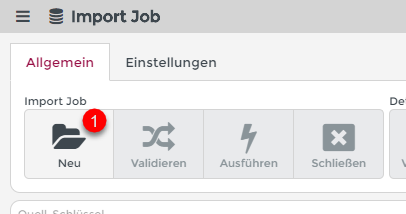
A new Import job is started after a valid XAR file has been selected with the function New (1).
After opening the exchange file, the configurations to be imported are compared with the current system and then checked for changes.
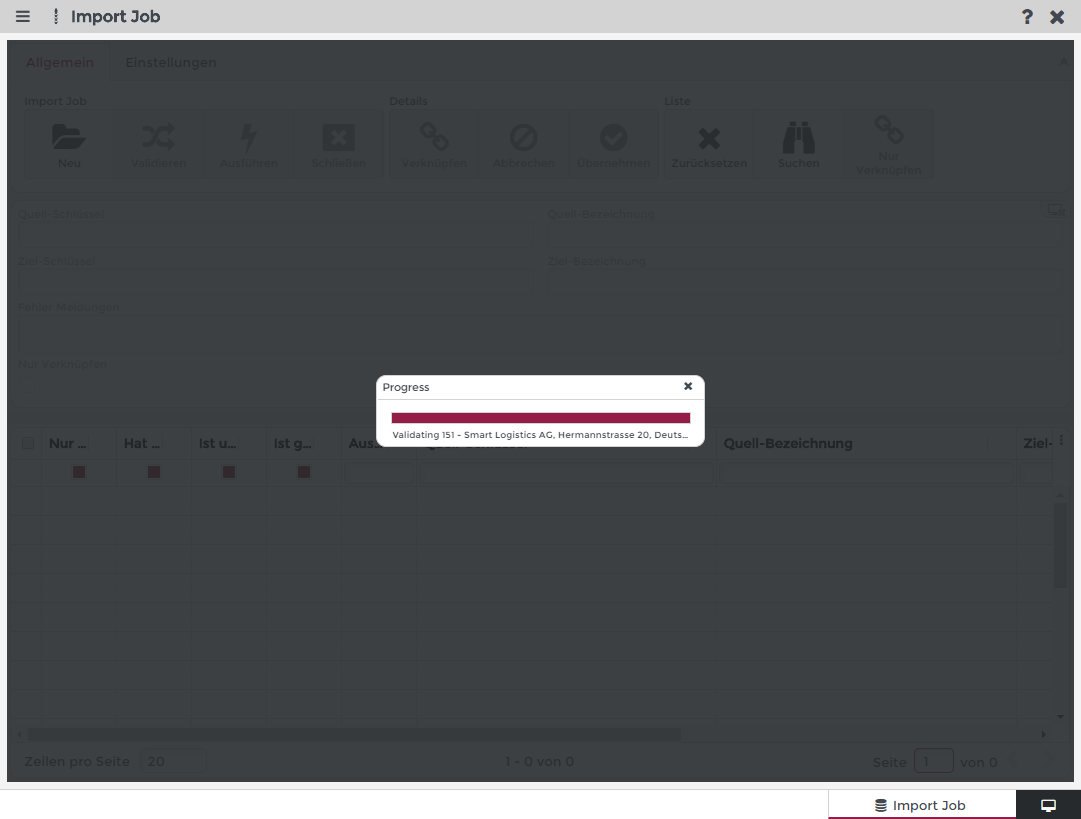
The system then displays all contained configurations and their status:
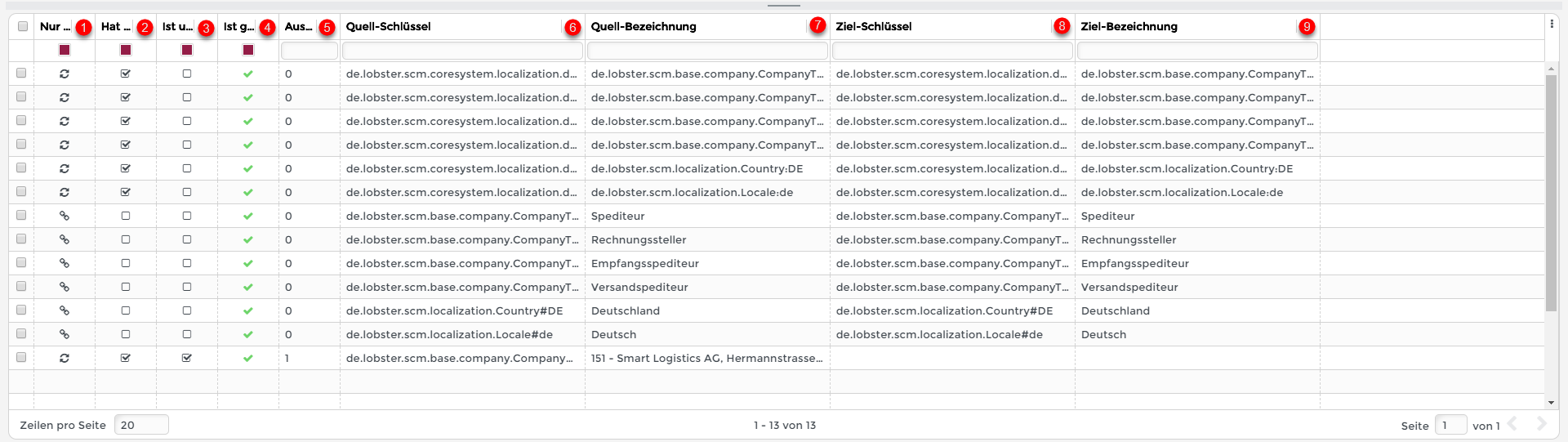
(1) | Action: This shows whether the configuration on this system is being updated ( |
(2) | Has changed? Shows whether the configuration in this system differs from that of the source system. If not, this configuration is always Action. |
(3) | Is unlinked? Shows whether there is a link of this configuration between the two systems. If such a configuration has already been created manually in this system, this link must be created manually before execution. Otherwise, the configuration is created twice. |
(4) | Is valid? This shows whether the entry can be imported. An entry cannot be imported if an Action connection is to be linked, but does not yet exist in the system. |
(5) | Execution group: The number indicates which entries are imported together in a database transaction. If an error occurs within an import, only the changes that were imported in the same execution group can be undone. Changes made in a successfully executed group remain in the system. Example: If an error occurs in group 0, the import will be aborted. If an error occurs only in group 1, the import from group 0 has already been performed and will not be reset. |
(6)+(7) | The key and name of the source configuration. |
(8)+(9) | The key and name of the target configuration. |
 ) or whether only the existing configuration on this system should be used (
 ). The setting can be changed by clicking on the column.
Manual link
Before importing, the entries should be checked for unlinked entries. For this purpose, the filter in the column (3 in the upper image) can be used:
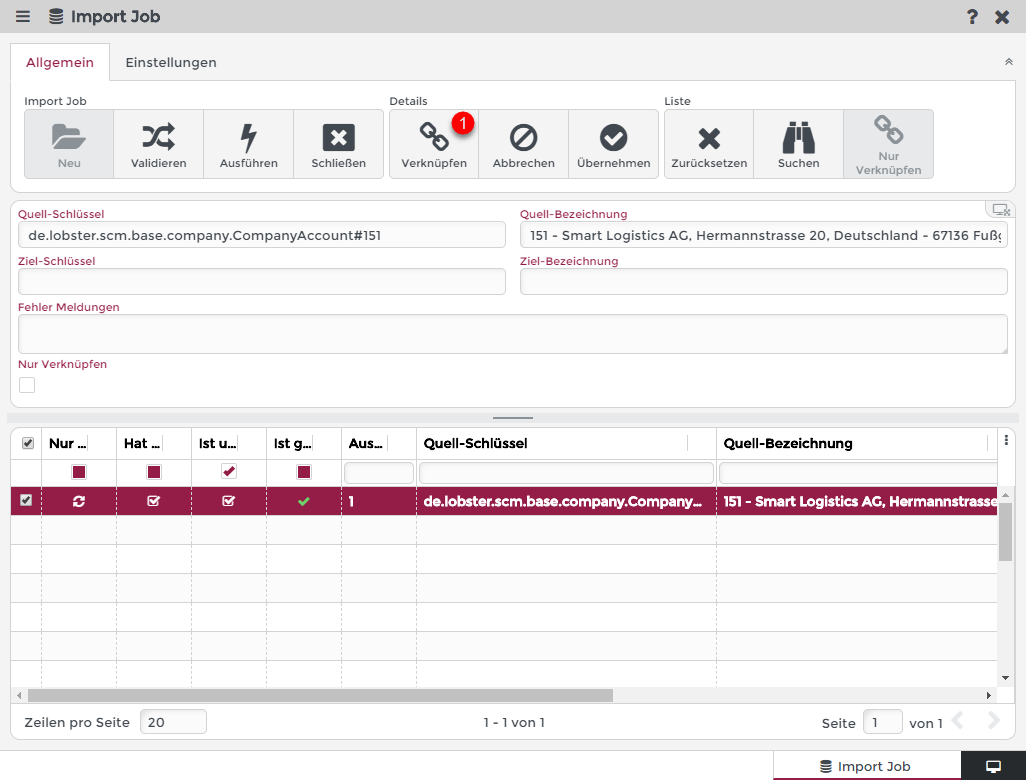
The manual link can now be performed for the selected entry using the Link (1) function.
This opens the corresponding overview of the configuration. In this example the company overview opens:
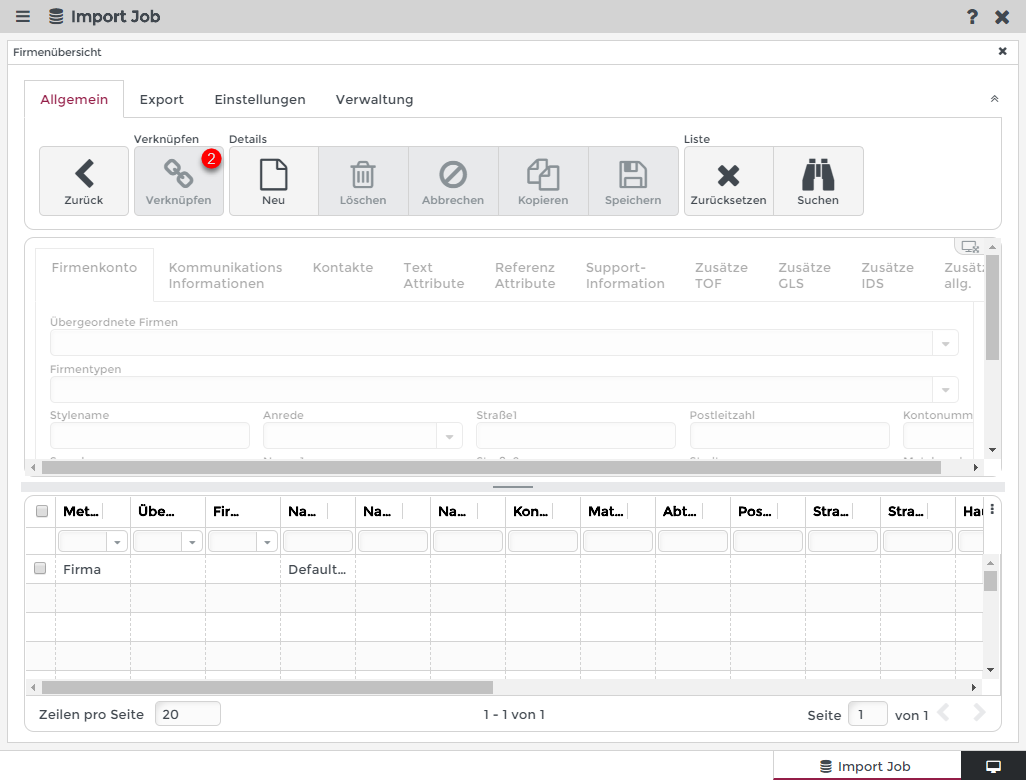
Once a valid selection has been made, the entry can be linked to it (2). You can also create a new company in this step. But this would also happen automatically during execution if the entry was not linked.
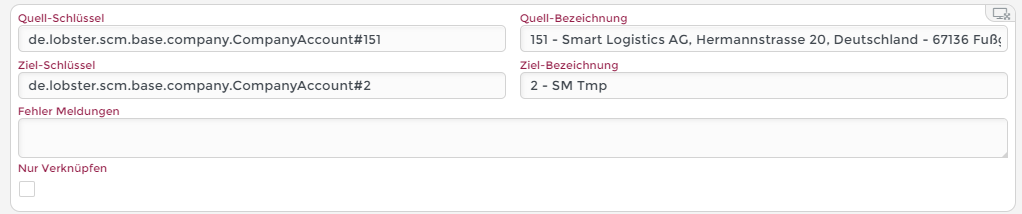
In this example, the company "SM Tmp" was created and linked to the entry:
If all unlinked entries have been checked (unlinked entries are automatically created in the system), the Import Job can be executed:
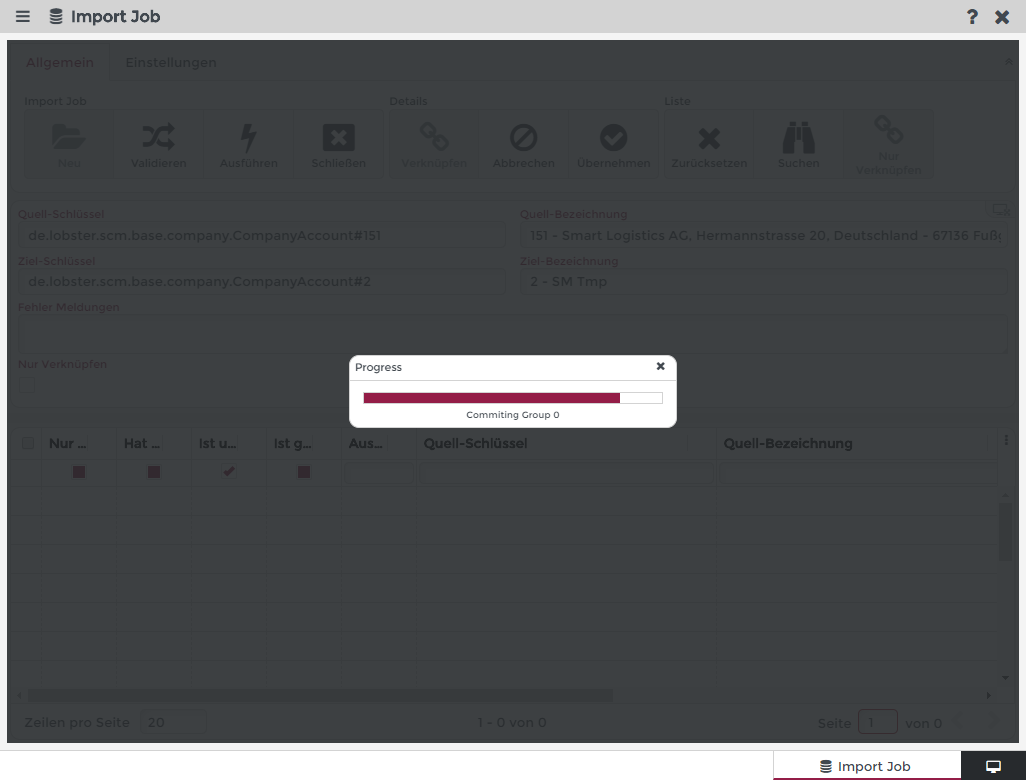
After successful execution, the current Import Job is closed and a new job can be started.
Unlinked entries and "Action"
If an unlinked entry is set to Action, it will not be imported into the system.
This is only possible if all dependent configurations are also set to Action only.
If this is not the case, all affected entries get the status invalid in the column Is valid (4th column):
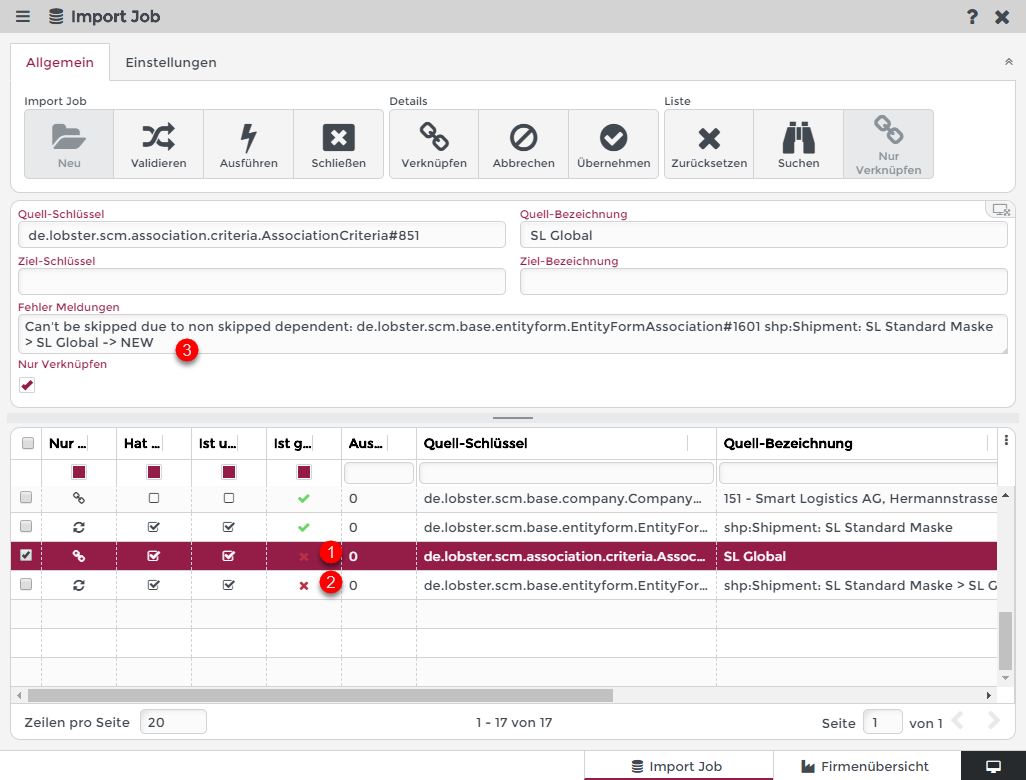
If the association criteria "SL Global" (1) is not imported in this entry, the assignment of the form SL Standard Form (2) must also be set to Action.
This is also described in the Error message (3) of the affected entry.