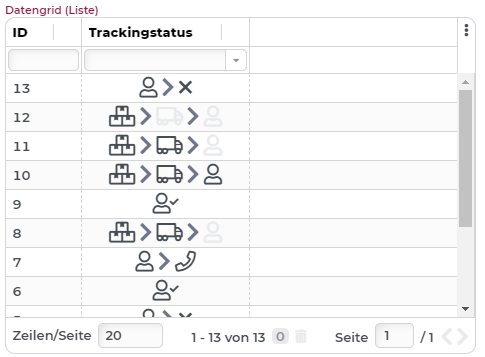
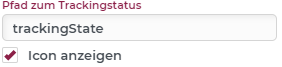
Resolves a tracking state code object depending on the line object (Path to tracking state) and displays it in the known tracking state symbology. Depending on the Show icon option, only the translated tracking state label or its icon is displayed.
Application example using a grid column (Portal)
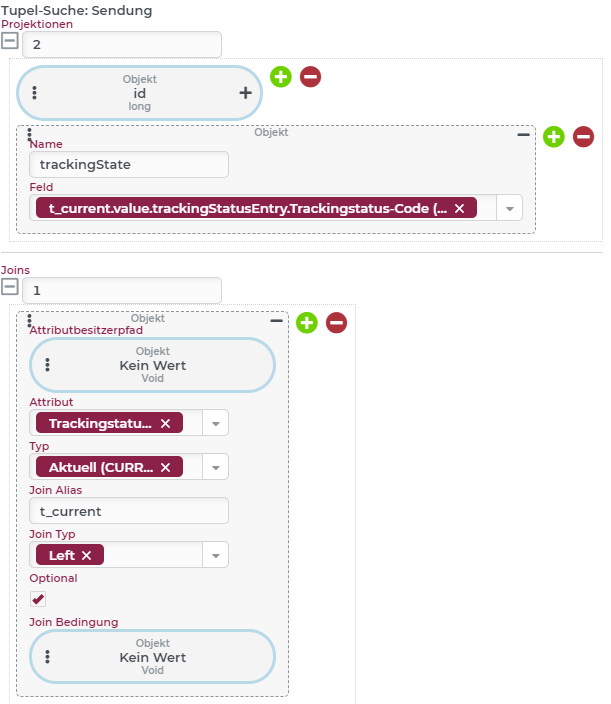
Via a tuple search behavior and the action Grid: Fill, a data grid is filled with shipment data. Besides the ID, the tracking state (current) of the shipments is projected via a Typed attribute join (alias: t_current) onto the "trackingState" field.
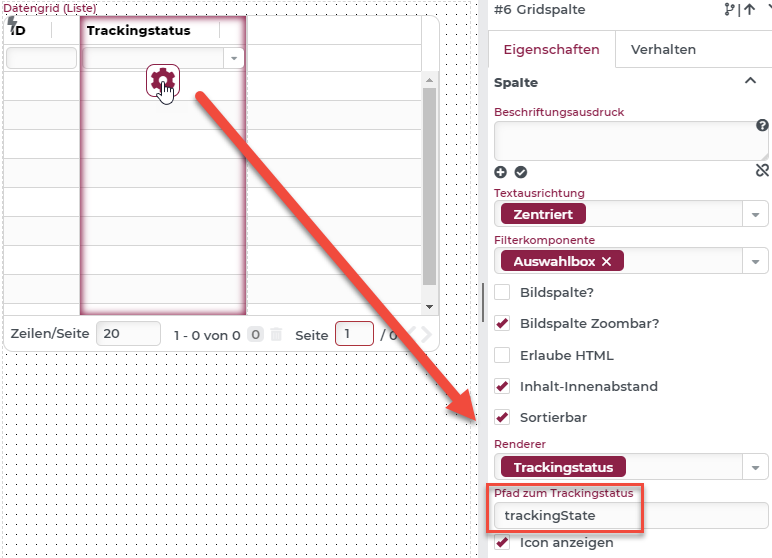
The configuration of the grid column then configures a tracking state renderer with the data field path to the tracking state field "trackingState". The data field of the column itself is not important.
If the example is now executed, the tracking state column displays the tracking state icons accordingly (option Show icon is activated).