The 'Communication information' Form designeris only available in the form editor when an Addresses or an 'Address contact' form element is being edited. To be able to add this element to one of the two containers, the container must be active in the Form designer accordingly.

Figure 1: Communication information appears in the selection list if the parent container is active in the form.
The element has 3 attributes:
Context
Value
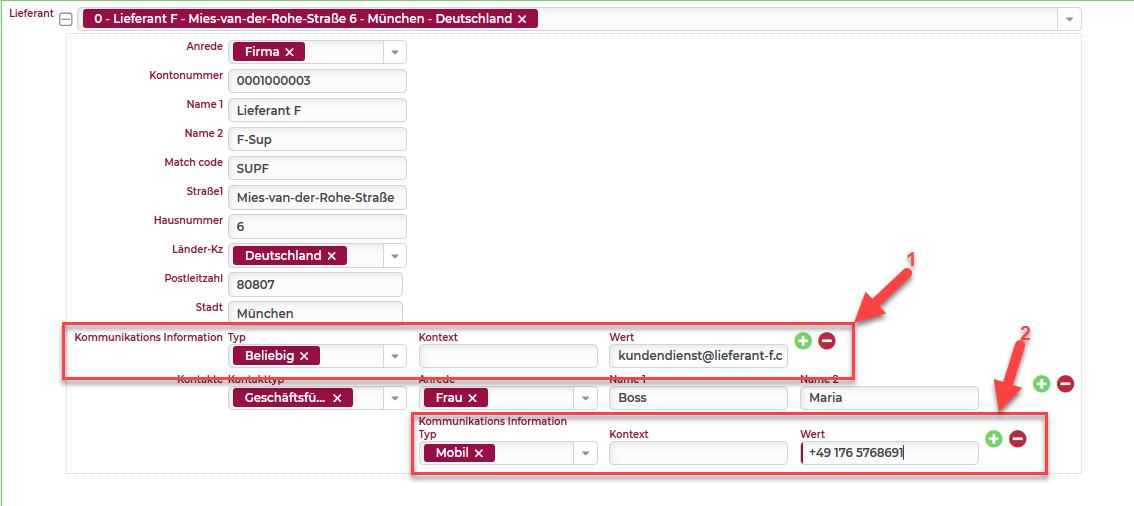
Figure 2: Example of communication information in a business address (1) and an associated contact (2) of a form.