The following screenshot shows an overview of the most important components of the client window for the Lobster Data Platform.
Test system info* | |||||||||
└─Sections─► |
|
|
|
|
|
|
|
|
|
Alignment: | |◄ left-aligned◄◄◄ | ►►► right-aligned ►| | |||||||
Top bar (full line) Main menu
Menu tree depending on the Module selector here: 'Data Platform' with menu item Live Dashboard and the collapsed default menu nodes. |
| ||||||||
Main window for views with an arrangement of 1, 2 or 4 view slots (see View menu), which can be automatically or interactively assigned views (see Open views or Favorites) | |||||||||







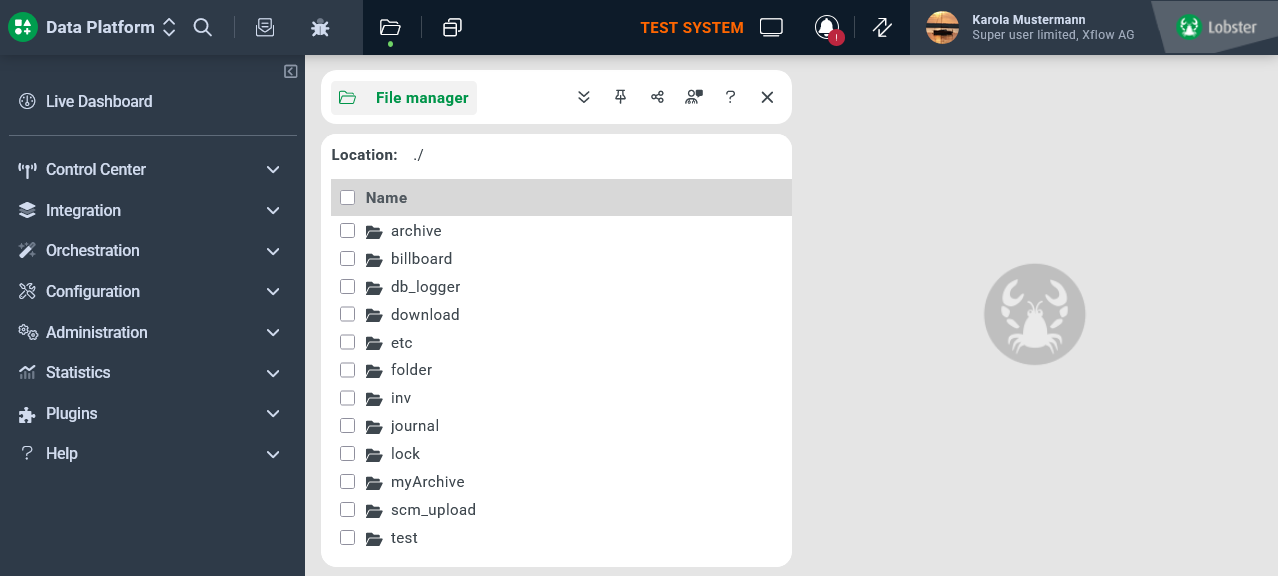
*) The Test system info only appears in the context of a login to a system that is qualified as a 'test system' based on the license used. The display shows the localization defined by Localization or Company specific localization in capital letters. (Bundle/Resource: de.lobster.scm.utils.SystemInfo/$systemState.TEST).