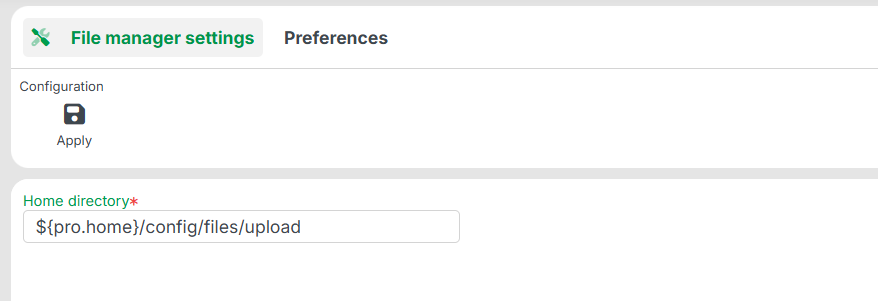
Use the File manager dialog to configure the home directory for the File manager. This can be used to manage files in the context of the Lobster Data Platform.
The platform applies your changes during runtime. The platform also writes the values to the corresponding XML configuration. Your settings persist after a system restart.
Action
Button | Description |
|---|---|
Apply | Applies the configuration change for the Lobster Data Platform. In a cluster, the platform applies the change on all nodes. The platform then persists the values to the corresponding XML configuration. |
Fields
Field | Description |
|---|---|
Home directory | Directory for files that you upload through the file manager. You can specify the path relative to the Lobster home directory. Use the variable The specified directory must exist on the host and must be writable. In a cluster, this applies to all nodes. |
Related articles
File manager: Features and usage of the file manager.
Storage settings: Sister dialog for the directories of the StorageManager.