Log into the target system.
Settings
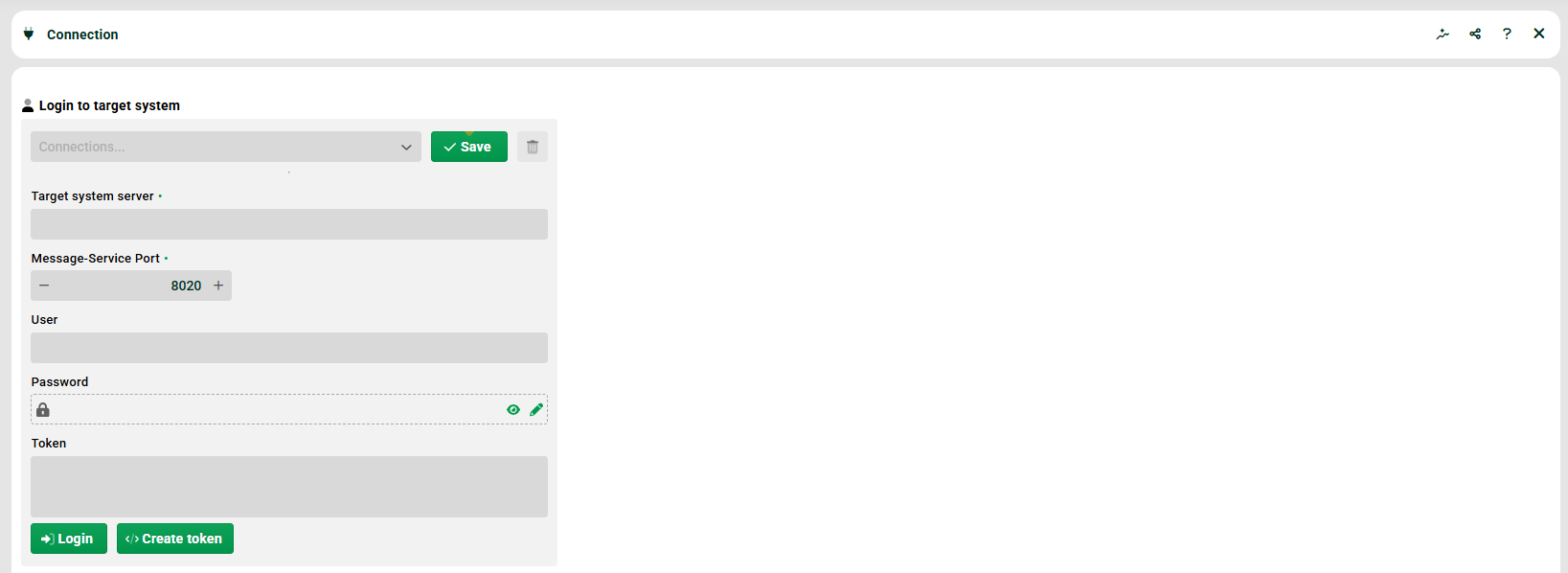
(1) Login to target system: You can select connections (without password) that have been saved with Save before.
(2) Target system server: The URL/IP of the target system. Example: "example.com" or "192.168.1.17".
(3) Message service port: The port of the MessageService must be used here. The default is "8020".
(4) User/Password: Enter user and password. The user must have administrator rights on the target system. For Vault passwords see section Vault provider configuration.
(5) Token, Create token: If the target system only allows SSO logins, you cannot use a user and password to log in. In that case, you have to log into the target system, go to this page and use button "Create token" (the token is created for the logged in user).
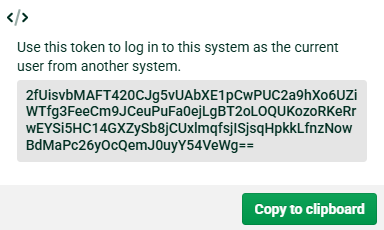
Copy the token and then paste it into field "Token" on the source system (instead of using user and password).
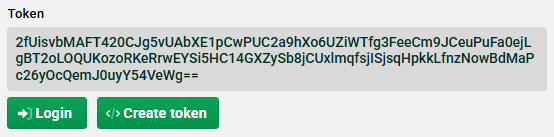
NOTE The token is valid for one day. There is only one token per user. If a new token is generated, the existing one is overwritten. The tokens are not persisted, so if the target system is restarted, new tokens must be generated.
Creating transport tasks
After a connection has been established, transport tasks can be created.