You must have created a version 3 template, direction outbound, to create a new request. In the “Outbound” section, select a group that contains such a template and click the right mouse button for the context menu. Select Create new request (CC1).
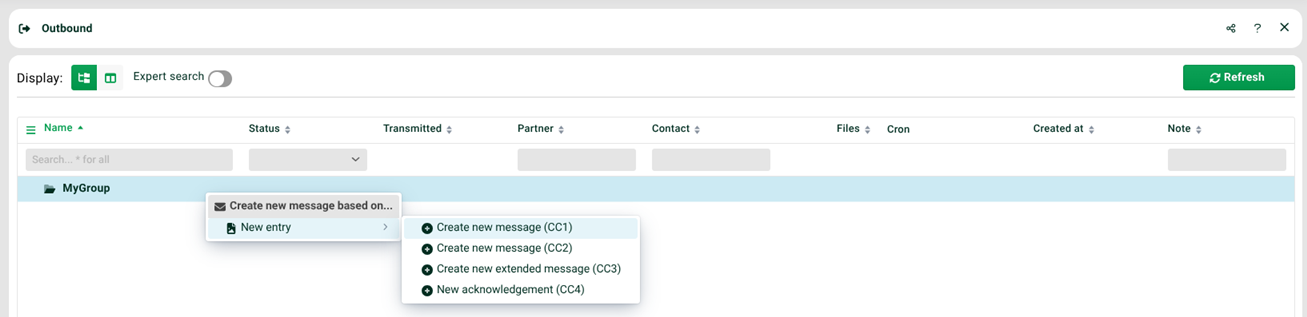
Another site opens. Use the context menu to create a new file request in tab Request.