Settings

(1) Selection of a classic database connection (Alias). A classic database connection is selected to configure the previous time-driven custom classes DefaultFileSQLCron, DefaultSQLCron or CrossSQLCron.
(2) Business Connector: Selection of a Business Connector in a further dialog. See the following section.
Business Connector
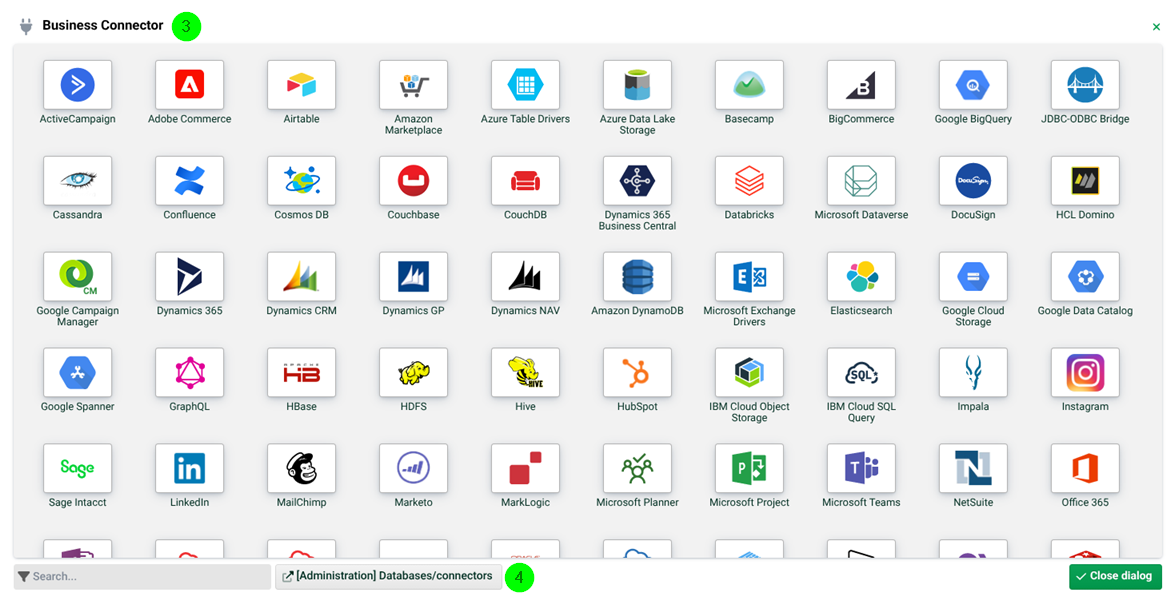
(3) Business Connector: Selection of a chargeable Business Connector. Please contact information@lobster.de. Note: See also page Update Center.
(4) Administration database/connectors: Administration of licensed Business Connectors.
DefaultSQLCron, DefaulFileSQLCron and CrossSQLCron
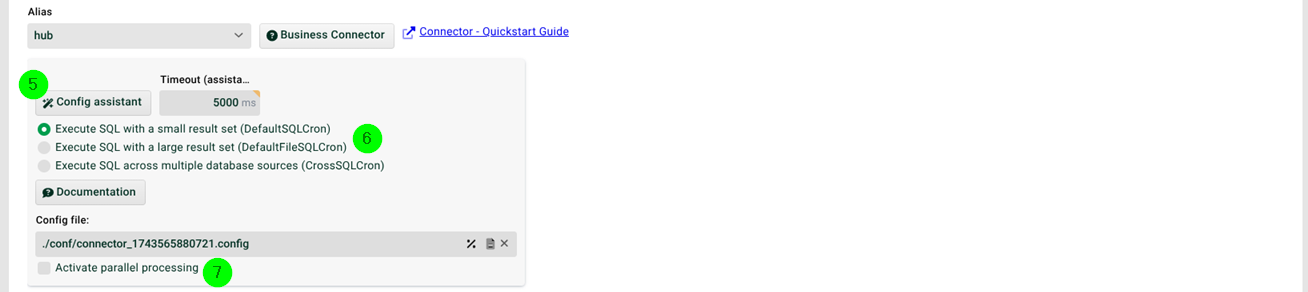
(5) Config assistant: See section SQL Wizard.
(6) Execute SQL with a small result set, Execute SQL with a large result set, Execute SQL across multiple database sources: Select here as required. See also sections DefaultSQLCron, DefaultFileSQLCron and CrossSQLCron.
(7) Activate parallel processing: If this checkbox is set, several instances of this profile can work in parallel. The checkbox Profile may only run in one instance must not be set then for this profile.