In a details view for Roles the Ribbon Button "Profile permissions" (main category "Common", subcategory "Details") opens a dialog for defining Profile permissions of a selected role.
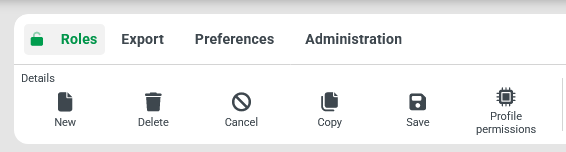
NOTE The Ribbon Button "Profile permissions" is only enabled if exactly one role is selected (singular selection), which has been saved at least once.
Configuration
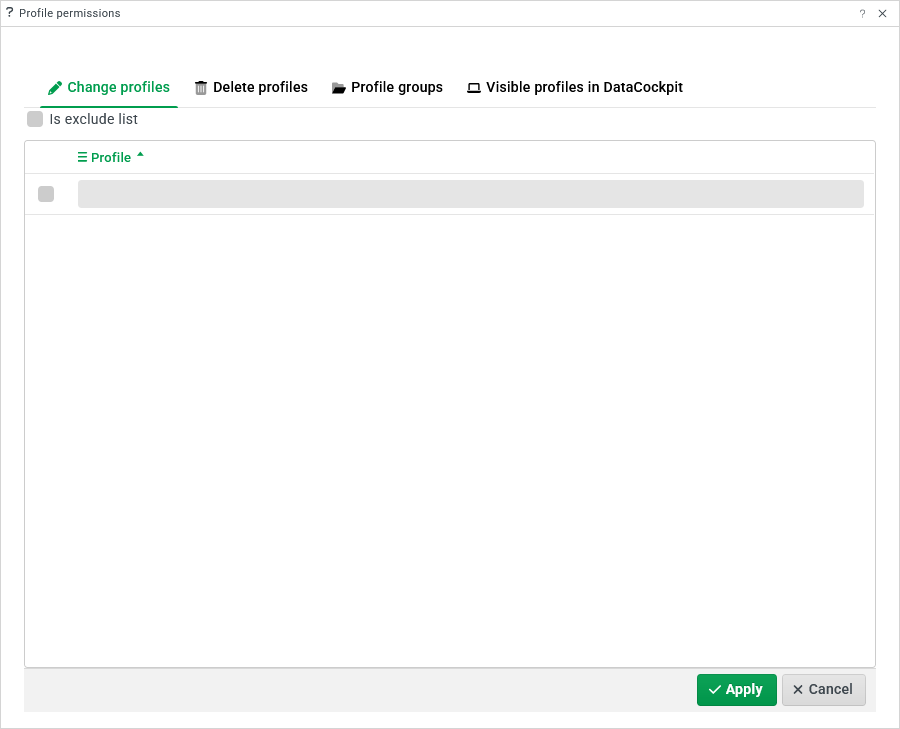
The available tabs allow definitions for different types of Profile permissions for the rolle selected in context.
Applied changes are only persistent, if the Apply button is used to close the dialog.