Here you can specify Data Flow entries to be transferred to the target system. A Transport Manager package is transferred that must then be imported manually on the target system in the Data Flow module. NOTE Changes made in the meantime are not updated in the list. You can force an update to the latest versions using the context menu (Refresh entries).
Settings
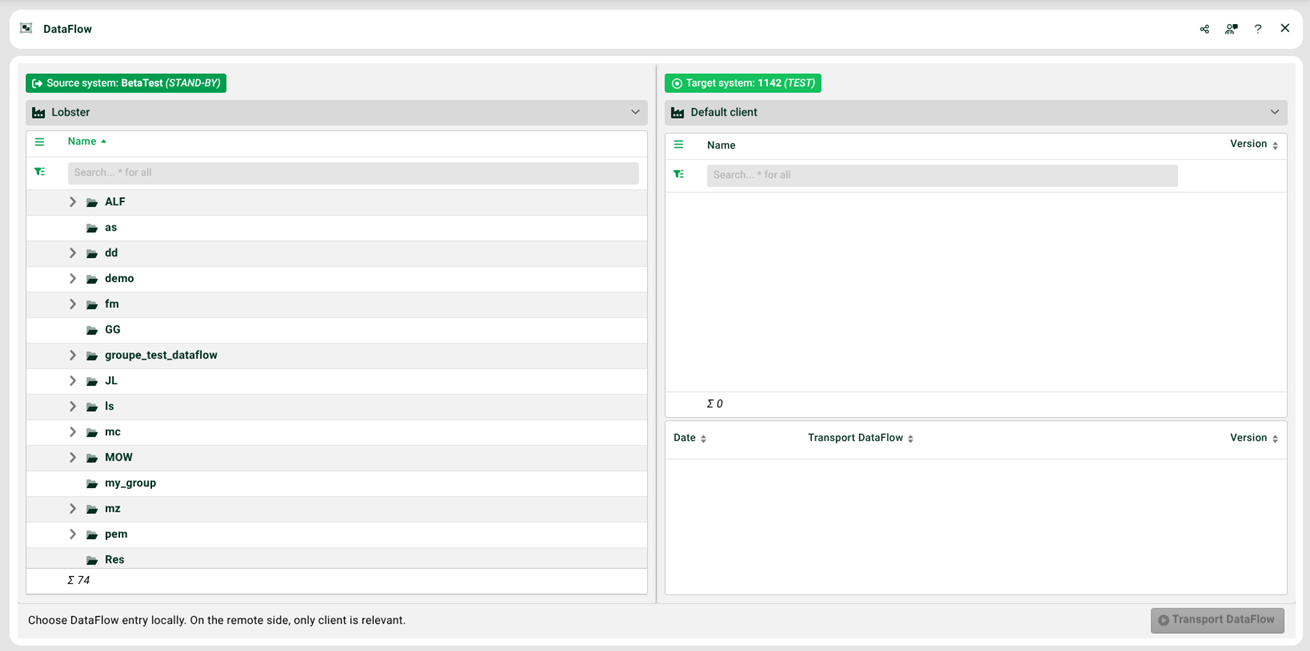
(1) Window left: Select a Data Flow entry.
(2) Transport DataFlow: Click here to start the transport.
(3) Export package and (4) Export local dictionary: In a further step, you can then select the individual elements of the Data Flow entry to be transported.
(5) Transport DataFlow: Start the final transport.