URL
To access the Lobster Bridge, enter the following URL in your web browser.
https://<Bridge host>:<SSL port>/bridgeThe default SSL port is 443. It can be found and set in configuration file ./etc/hub.xml.
Example: https://localhost:443/bridge
First time login
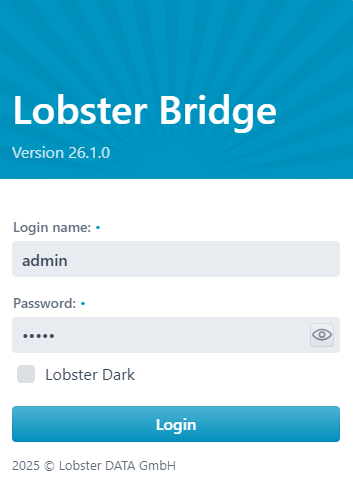
During the first login, users will be guided through a straightforward configuration process with the Lobster Bridge Installer.
Default user: admin
Default password: admin
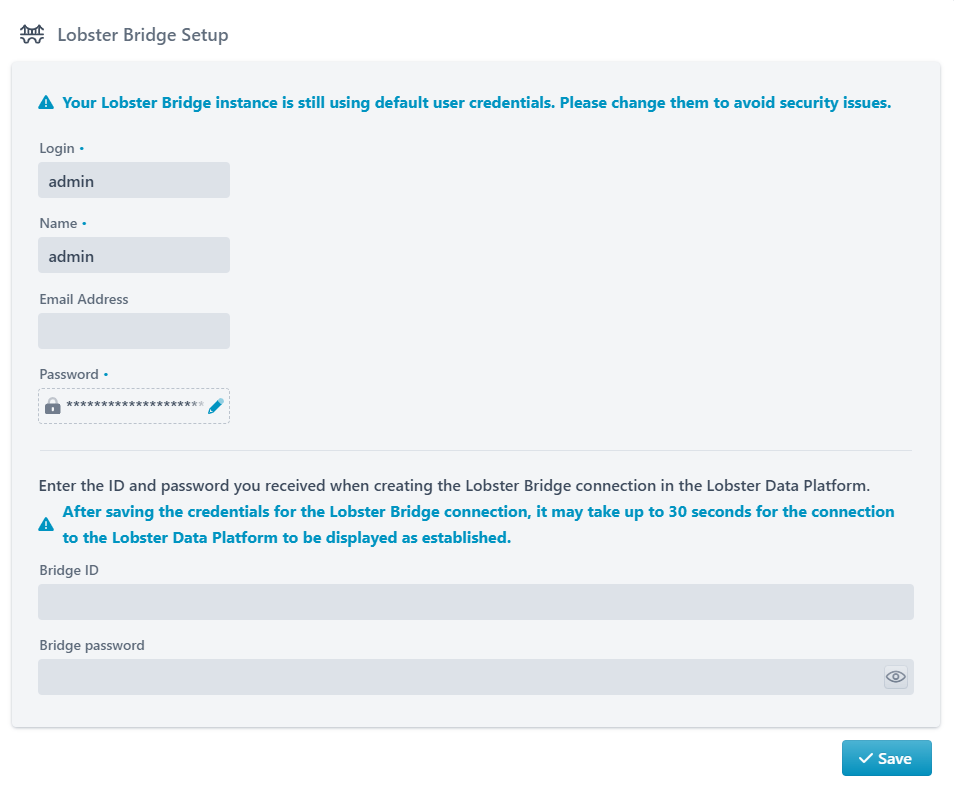
Create your new Bridge admin user (Login, Name, Email address, password).
Enter your Bridge ID and Bridge password (→ see page “Configuration → Connections → Bridge connections” on the Lobster Data Platform → context menu option “Copy Bridge ID to clipboard“ and section Unattended Bridge installation).
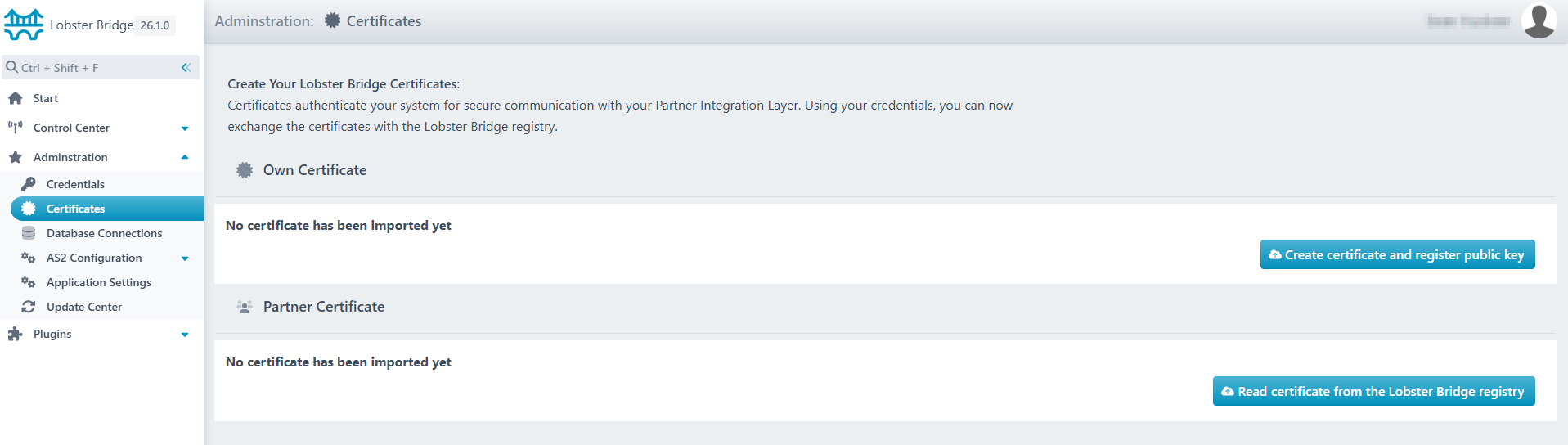
Create the Bridge Certificate and upload the public key to the Bridge Registry (→ Button “Create certificate and register public key“).
Download the public key of the Platform Certificate from the Bridge Registry (→ Button “Read certificate from the Lobster Bridge registry“).